Click the gear in the Caelestis panel header to open Settings. These preferences and server connections belong to this browser.

Servers
Each server has an address and its own access token. Its status tells you whether it is connected, needs a token, or cannot be reached.
Connect to a server walks through adding an address and token. Disconnect removes this browser's connection; it does not delete the server or its templates.
An administrator connection also shows access-token management.
Painting
Middle-click colour order chooses whether colour navigation visits unpainted or mismatched pixels first. It uses the template under the viewport centre, or the nearest template when the centre is empty.
Notifications
These switches control toast messages inside Wplace.
| Setting | Messages |
|---|---|
| Template regressions | A template loses progress. |
| Sustained griefing | Damage continues over time. |
| Userscript updates | A newer userscript version is available. |
| Action feedback | Routine progress and success messages. Errors and action warnings still appear. |
Sharing and painters
| Setting | Effect |
|---|---|
| Report my activity | Sends paint activity within server templates to the servers providing them. |
| Share tiles | Sends fetched canvas tiles within server templates to those servers. |
| Share where I am | Shares your viewport and paint drafts while this tab is open. |
| Show other painters | Shows or hides painters and claims on your map. |
| Show painters' viewports | Shows where painters are looking and what they have drafted. |
| Show region claims | Shows saved claim regions. Your own claim fill steps aside under the pointer. |
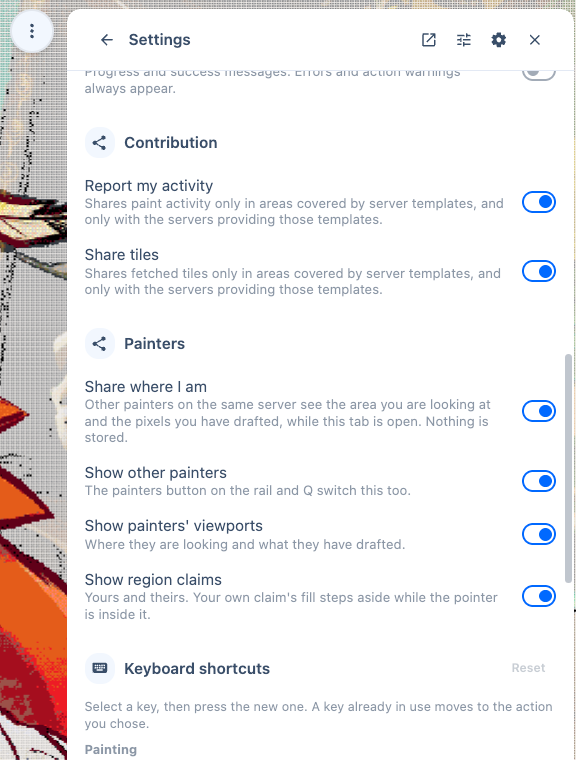
Turning off Show other painters changes what you see. Turn off Share where I am to stop sharing your own viewport and drafts.
Keyboard shortcuts
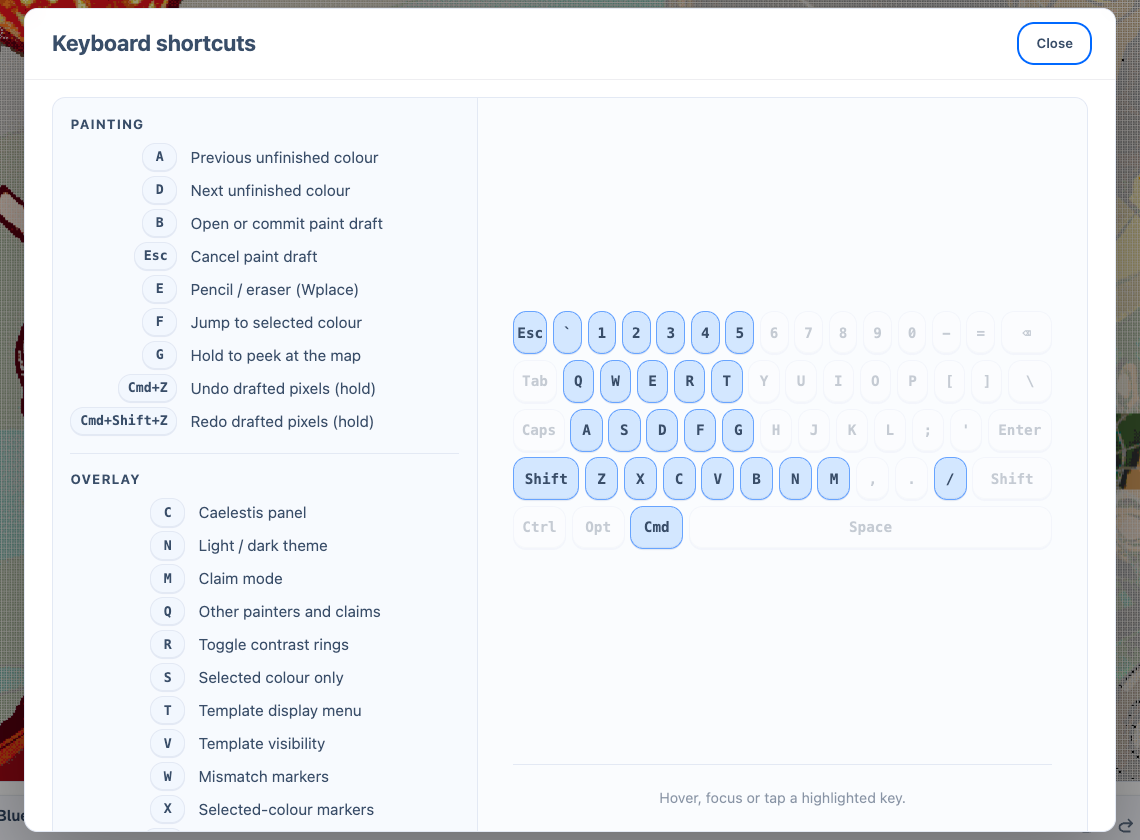
Press Shift+/ to open the keyboard reference. It lists the bindings currently assigned, including any you changed. There is no reference button on the map rail.
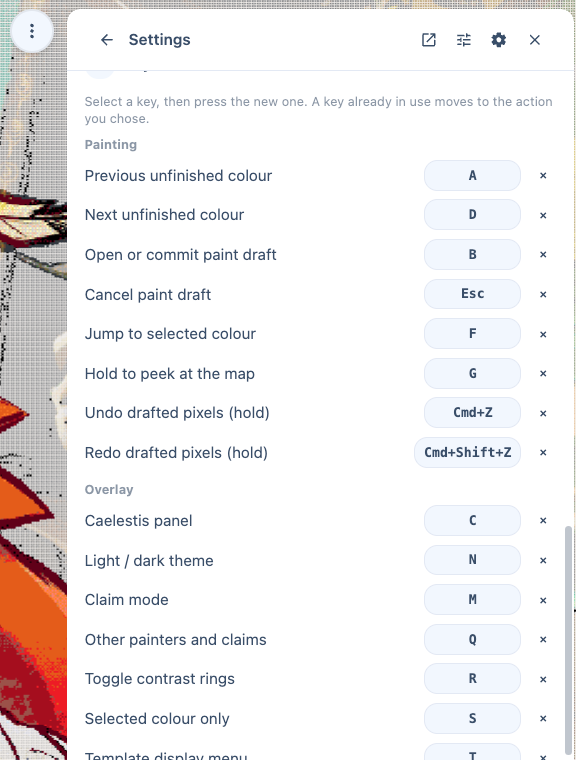
To rebind an action, open Settings → Keyboard shortcuts and click its key control. Press the new key or key combination. Press Escape to cancel.
Assigning a key already in use removes its previous assignment. Reset restores the default bindings.
Diagnostics
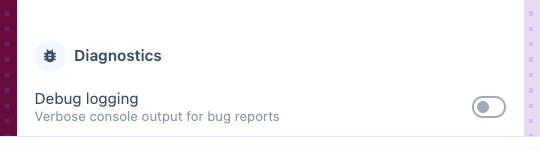
Debug logging adds console detail for investigating a problem. Enable it before reproducing a bug, then turn it off afterward.
Performance profiling records Caelestis CPU, GPU, and buffer measurements. While enabled, it adds measurement overhead. Its controls let you reset or copy the profile.
Before sharing logs or profiles, remove tokens and private information. See Troubleshooting.