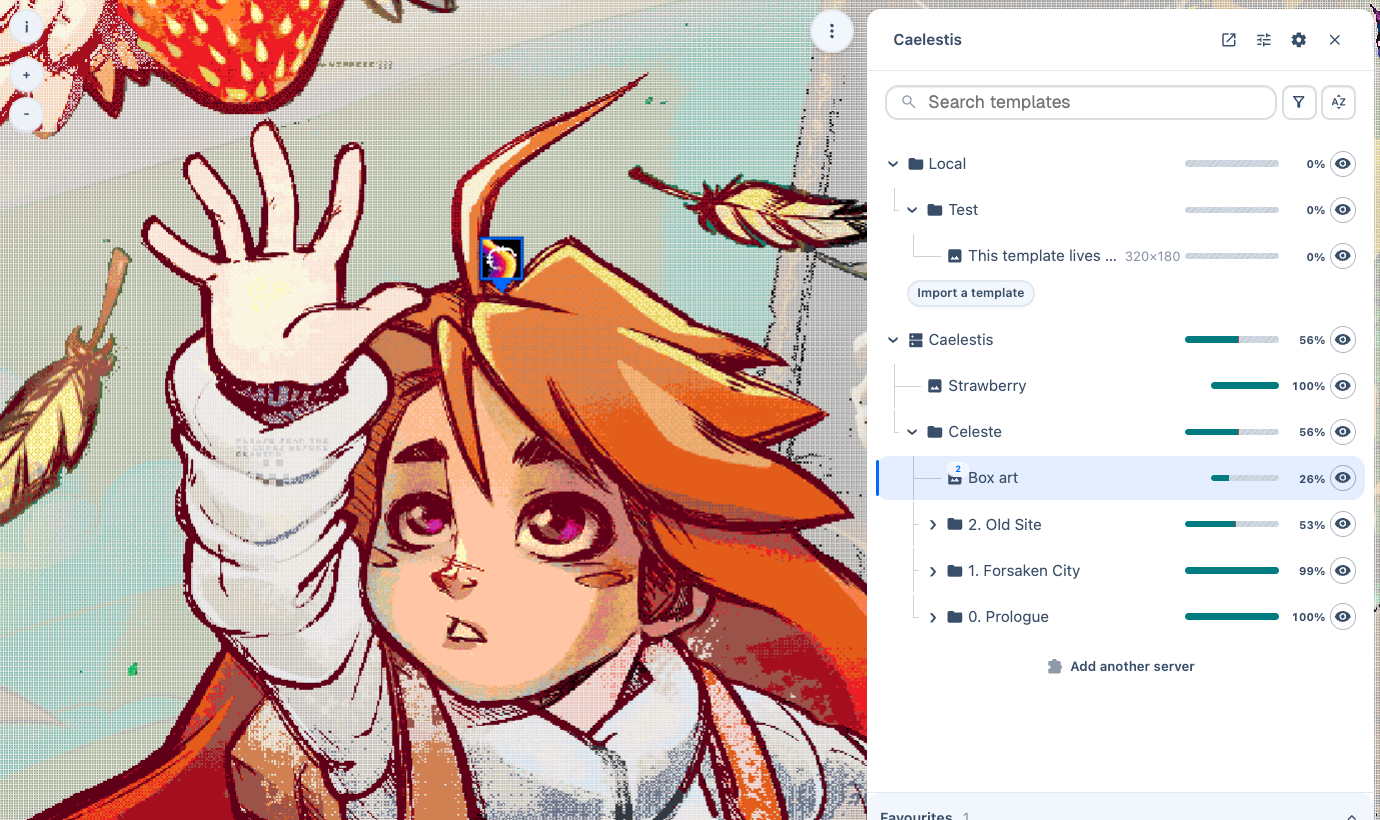
Caelestis adds image templates and painting tools to Wplace. Import your artwork, place it on the map, and adjust the overlay to see where each colour belongs.
You can use it on your own without a server. A server lets a group share templates, track progress, and see where others are working. The web dashboard shows those templates and their history outside Wplace.
Start painting
Install the userscript, then follow Getting started to place your first template.
| I want to… | Read |
|---|---|
| Import, move, or organise artwork | Templates |
| Change pixel styles, outlines, or markers | Overlay and painting |
| Join a group's server | Connect to a server |
| Track progress or paint with others | Progress and collaboration |
| Change sharing settings or keyboard shortcuts | Settings and shortcuts |
| View templates and timelapses in a browser | Dashboard |
Run a server
The backend stores shared artwork and progress. The frontend serves the dashboard. You can run both with Docker or on Cloudflare.
Self-hosting compares the deployment options. The Docker guides cover SQLite, PostgreSQL, MariaDB, CNPG, and S3 storage separately.